Search engine optimization (SEO) can sometimes present metrics that appear inconsistent. A common situation is when impressions increase while clicks decline. This pattern can raise concerns, but it often reflects changes in visibility, ranking positions, and user behavior rather than a performance drop. This guide explains the reasons behind this trend and how to improve outcomes.
Understanding Impressions and Clicks in SEO
Before identifying the cause, it is important to understand what these metrics represent in search performance.
What Are Impressions?
An impression is recorded each time your webpage appears in search results, regardless of whether a user interacts with it. Even if your page ranks lower and users simply scroll past it, it still counts as an impression.
What Are Clicks?
A click occurs when a user selects your result and visits your website. This metric depends on how relevant and appealing your listing is compared to competing results.
Why Impressions Increase
Growth in impressions generally indicates improved visibility across search queries. However, it does not always translate into traffic.
Expanded Keyword Reach
Publishing more content or targeting long-tail keywords can help your site appear for a wider range of searches. Even lower-ranking positions contribute to impression growth.
Visibility in Lower Positions
Your pages may start ranking for additional queries but appear in positions beyond the top results. These positions generate impressions but attract fewer clicks.
Increase in Search Demand
Search volume fluctuations, including seasonal trends, can lead to higher impressions as more users search for related topics within your niche.
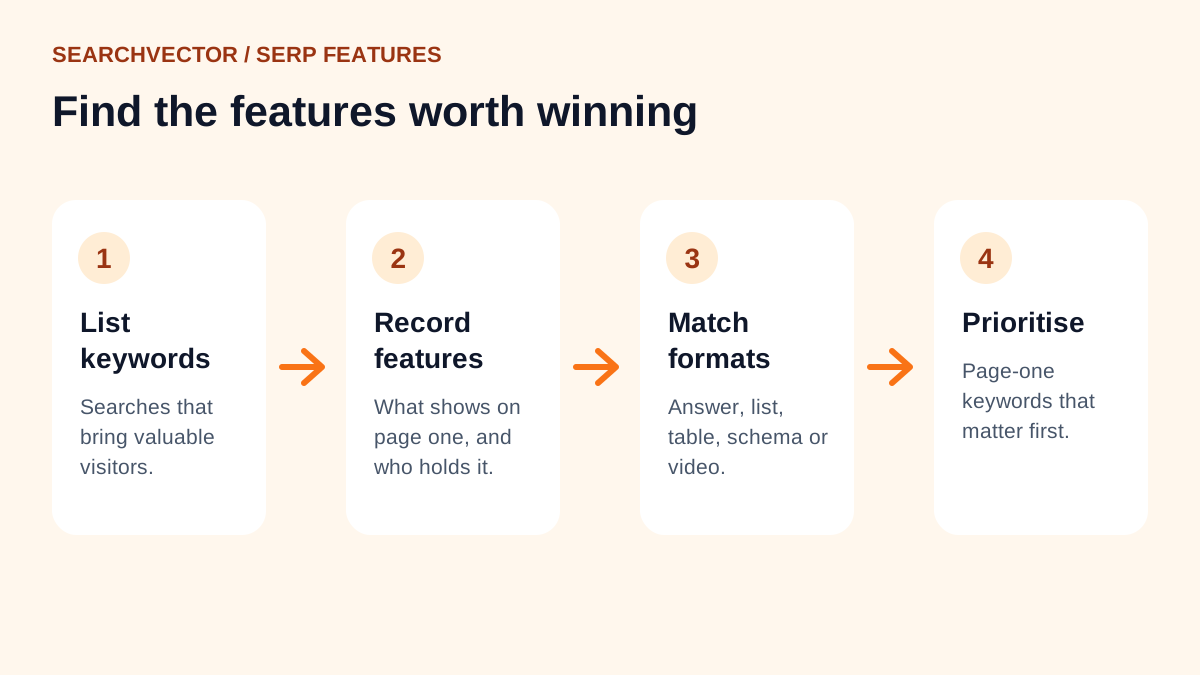
Presence in SERP Features
Your content may appear in featured snippets or other search features. While this increases visibility, users may get their answers directly from the search page without clicking through.
Why Clicks Decrease
A decline in clicks despite higher impressions usually points to ranking, competition, or presentation issues.
Drop in Average Position
Even a slight decline in ranking position can significantly reduce clicks. Users tend to interact with results at the top of the page, making lower placements less effective.
Increased SERP Competition
More competitors targeting the same queries can reduce your share of clicks. Stronger or more optimized listings may attract users away from your result.
Rise of Zero-Click Searches
Search engines often provide direct answers within results. This reduces the need for users to visit external websites, lowering overall click-through rates.
Weak Title Tags and Meta Descriptions
If your titles and descriptions are not aligned with search intent or fail to stand out, users are less likely to click—even if your page is visible.
How to Improve Clicks While Maintaining Impressions
Closing the gap between impressions and clicks requires focused optimization across rankings, content, and SERP appeal.
Improve Ranking Positions
- Analyze keywords with declining positions
- Strengthen on-page SEO and content depth
- Enhance internal linking structure
- Build high-quality backlinks to improve authority
Optimize Titles and Meta Descriptions
- Write clear and value-driven titles
- Use relevant keywords naturally
- Ensure descriptions match user intent and encourage action
Focus on High-Intent Keywords
- Target queries where users are more likely to engage
- Prioritize keywords with strong click-through potential over high volume alone
Analyze SERP Features
- Identify queries with featured snippets or rich results
- Adjust content strategy to target queries that drive actual clicks
Test and Iterate
- Experiment with different title formats
- Monitor CTR in Google Search Console
- Continuously refine based on performance data
Conclusion
An increase in impressions alongside a decline in clicks highlights a gap between visibility and engagement. Factors such as lower rankings, competitive SERPs, and under-optimized metadata contribute to this trend.
To improve performance, focus on ranking improvements, stronger SERP presentation, and targeting queries with higher user intent. Sustained monitoring and optimization will help convert visibility into meaningful traffic and better SEO results.