
SEARCHVECTOR · ARTICLE WRITING
AI Blog Post Generator
Give your next blog post a clear starting point.
Bring your topic and the reader’s question to SearchVector’s article generator. Continue in your dashboard, then bring your own expertise to the draft.
Open article generatorSign in to SearchVector to continue. Article generation happens in your dashboard.
INSIDE SEARCHVECTOR
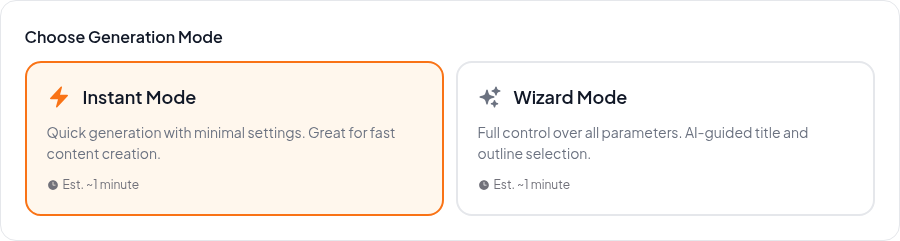
Choose how to start your article
FROM IDEA TO EDITORIAL REVIEW
Start with intent. Finish with judgment.
An AI blog post generator helps with the writing process. A useful article still needs a clear purpose, relevant detail and a careful edit.
01
Prepare your brief
Choose one reader and one question. Gather the facts, examples and perspective you want the article to include.
02
Continue in SearchVector
Open the article generator and sign in if prompted. Check the options and account access shown in your dashboard before starting.
03
Review before publishing
Read the draft for accuracy and relevance. Add first-hand detail, check sources and edit the wording to match your voice.
THE EDITOR’S PASS
Make it worth reading, not just ready to read.
Use the draft as a starting point. These four checks help turn general writing into an article that serves a specific reader.
Answer the actual question
Keep the introduction focused. Each heading should move the reader toward the answer promised by the title.
Check every factual claim
Verify names, figures, dates and quotations against reliable sources. Remove anything you cannot support.
Add something only you know
Include practical examples, observations or experience. Replace generic advice with details your reader can use.
Give the post a final edit
Cut repetition, read it aloud and check the title and description. Review links and formatting in your publishing system.