NLP SEO is the practice of making search content easier to understand by paying attention to language, context and the task behind a query. Natural-language processing (NLP) helps computers analyze human language. For an editor, the useful application is concrete: name the subject clearly, explain relationships, answer the reader's question and remove ambiguity.
There is no Google-approved NLP score to optimize here. This guide separates documented search systems from editorial techniques and works through a fictional help article. The example is a teaching exercise, not a ranking experiment or a SearchVector customer result.
What NLP changes about a search query
A list of words does not fully describe a question. Compare “export contacts without phone numbers” with “export contacts with phone numbers.” Most of the vocabulary is identical; one small change reverses the requirement. An article that repeats “export contacts” but ignores the condition can miss the reader's actual task.
Google's ranking systems guide describes BERT as helping interpret combinations of words and their meaning and intent. It also describes neural matching as connecting concepts in queries and pages, and RankBrain as helping connect words with concepts even without every exact search term appearing. These are descriptions of systems, not a checklist of phrases that guarantees inclusion or position.
The editorial implication is to keep meaningful qualifiers visible. Words such as “without,” “before,” “after,” “for beginners” and a product version can determine whether an answer applies. Use the query as evidence of a need, then write the answer that satisfies that need.
Entities, context and intent in plain language
An entity is a thing referred to in text: a person, organization, place, product or common object. Context helps determine which thing and which meaning the sentence intends. Intent is the task the searcher appears to want to complete. These concepts overlap, but each suggests a different editing question.
| Concept | Example and editorial check |
|---|---|
| Entity | “Atlas exports contacts.” Which Atlas product or organization does the page mean? Identify it at first mention. |
| Context | “Export contacts without phone numbers.” Does “without” describe missing data or a field the user wants excluded? |
| Intent | “How to export contacts without phone numbers.” Does the reader need instructions, troubleshooting or a product comparison? |
Here, Atlas is a fictional contact manager. Naming it does not establish that any NLP system will identify it correctly. An entity extractor can help flag inconsistent terminology, but its annotations require human review. Google Cloud's Natural Language documentation describes entity, syntax, sentiment and classification analysis. Those outputs describe text; they are not a view into Google's search rankings.
Build a question map before collecting terms
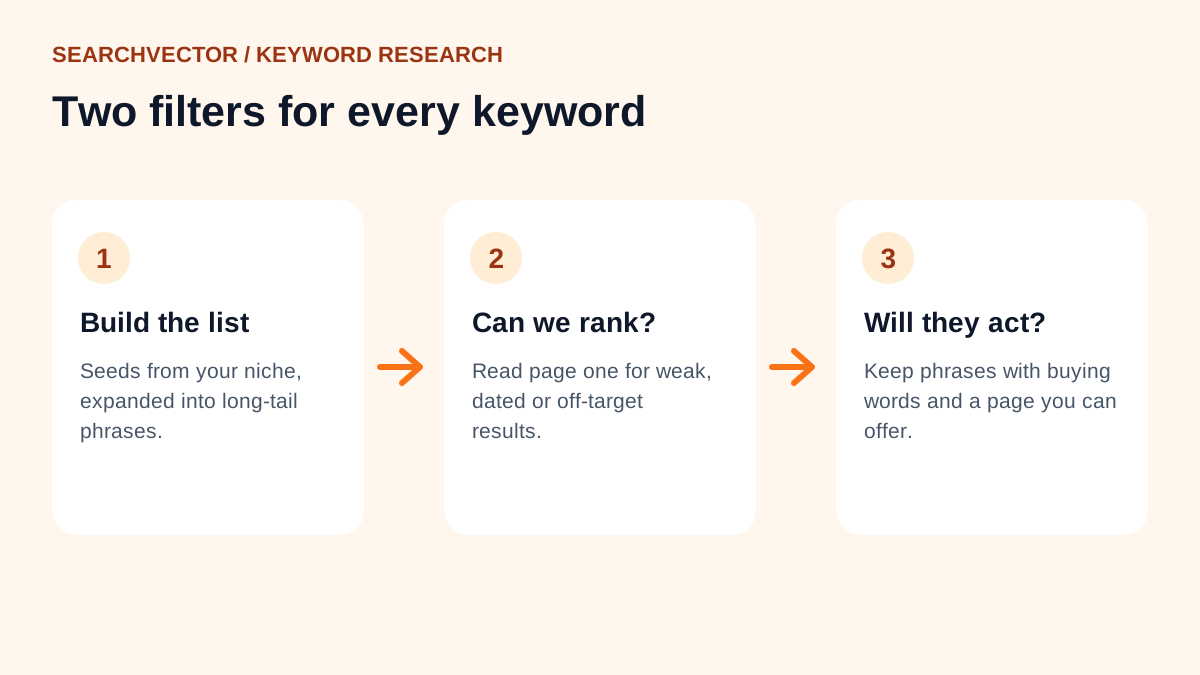
Start with the audience's language. Review questions from your own support conversations, on-site search or interviews where you have permission to use them. Remove identifying details from your notes. For an existing page, review the queries available in your own Search Console reports. For a new topic, inspect public search results and relevant primary documentation.
Use SearchVector keyword research to explore candidate phrasing, then validate each idea against the audience and page purpose. A suggestion is a research lead. It does not prove that your product supports a feature or that a specific article should exist.
Record each question beside the evidence needed to answer it. In the fictional export example, “Can I omit phone numbers?” needs a supported field-selection procedure. “Why is the phone column blank?” needs troubleshooting. Both mention the same entities, but merging them carelessly can produce a confusing introduction.
Group questions by the action the reader wants to take. The SearchVector keyword cluster tool provides another place to work with candidate keyword groups; review the grouping yourself before deciding page boundaries. Keep closely related steps together when one reader needs them in sequence. Give a substantially different task its own answer when combining the two would bury both.
Worked example: revise an ambiguous help article
Suppose you are editing documentation for fictional Atlas. The assigned reader wants to export a contact list while leaving phone-number fields out of the resulting file. For this exercise, assume an editor has checked that the fictional product supports selecting export fields. The following interface details are invented for illustration and are not instructions for a real application.
Before: “Atlas contact export is an easy contact export solution. You can export contacts without phone numbers with our powerful export tool. Choose your settings and download your data.”
This paragraph has topical vocabulary but leaves three gaps. It does not distinguish omitting a column from exporting contacts that lack a phone number. It never identifies the settings to change. It promises ease without telling the reader what to verify.
After, fictional example: “To create an Atlas contact export that excludes phone-number fields, open Contacts, choose Export and clear the Phone field in the field selector. Keep the fields your recipient needs, then download the CSV. Open the file and confirm that the Phone column is absent before sharing it. These steps omit phone numbers from the export; they do not delete numbers from your saved contacts.”
The revision clarifies the object, the action, the condition and the expected result. It also distinguishes an export setting from a change to stored data. That final distinction is useful because a reader could otherwise misunderstand the consequence of the instruction.
Now give the page a structure that follows the task: an opening answer, a short prerequisite, the export steps, a verification step and troubleshooting for an unexpected column. Put instructions for finding contacts with missing numbers elsewhere or link to them as a separate task. Do not add an unrelated history of contact management merely to cover more associated words.
A suitable title for this sample is “Export Atlas contacts without phone-number fields.” It sets a narrower expectation than “The ultimate contact export guide.” After drafting your own accurate title, you can explore alternative wording with the SearchVector SEO title generator. Check every suggestion against the instructions the article actually provides.
Use related terms where they explain a relationship
A vocabulary list becomes useful when it reveals something the reader needs explained. “CSV,” “field,” “column,” “export” and “saved contact” belong in the sample because they describe the procedure and its outcome. Adding “CRM automation” repeatedly would introduce a different promise without helping anyone complete the export.
Ask what relationship each term contributes. A field selector controls the columns in a file. An export copies selected data. Removing a column from a file differs from deleting a stored value. Expressing those relationships is more useful editorial work than inserting isolated nouns into paragraphs.
When a writing tool labels suggestions “NLP terms,” “semantic keywords” or “LSI keywords,” inspect how it selected them. Treat the list as possible vocabulary, not a mandatory specification. Do not adopt a term solely because several ranking pages use it. Those pages may serve a different audience, repeat each other or describe features you do not offer.
Run a meaning-focused editing checklist
Read the draft once without looking at any content score. Then check the following:
- Subject: Can a new reader identify the product, object or process at first mention?
- Conditions: Are exceptions, version requirements and limiting words preserved in the answer?
- References: Does every “it,” “this” or “they” clearly refer to something?
- Evidence: Are procedures checked against the actual product and factual claims linked to relevant sources?
- Completion: Does the reader know what success looks like and what to check next?
- Scope: Have you removed repeated definitions and sections that answer a different question?
This is an editorial checklist, not a list of confirmed ranking factors. Google's helpful content guidance emphasizes original value, clear sourcing and serving an intended audience. Use those principles to review usefulness rather than treating article length as the objective.
Evaluate the edit without inventing causation
Record the page, publication date, change and hypothesis. For the sample, the hypothesis might be: “Explicitly distinguishing field omission from missing data will reduce reader confusion.” Ask a colleague unfamiliar with the workflow to explain the expected result after reading. If they think the procedure deletes saved phone numbers, the wording still needs work.
After release, inspect observed search performance using consistent page, query, country, device and date filters where available. Google's Search Console performance documentation explains clicks, impressions, CTR and position, along with report limitations. Query detail is incomplete, so absent queries should not be treated as proof of zero demand.
Choose comparison periods appropriate to traffic and seasonality. Log simultaneous title changes, internal-link changes and other releases. More impressions after an edit can support further investigation, but cannot isolate an NLP technique as the cause. A higher third-party content score is evidence that the tool rated the draft differently, not evidence that Google did.
Turn one unclear answer into a usable answer
Choose a page where readers misunderstand a condition or cannot complete a task. Write the exact question, verify the answer, revise the ambiguous passage and add a completion check. Keep a dated note of what changed. That gives NLP SEO a practical purpose: content whose meaning survives close reading, with outcomes you can review honestly.