
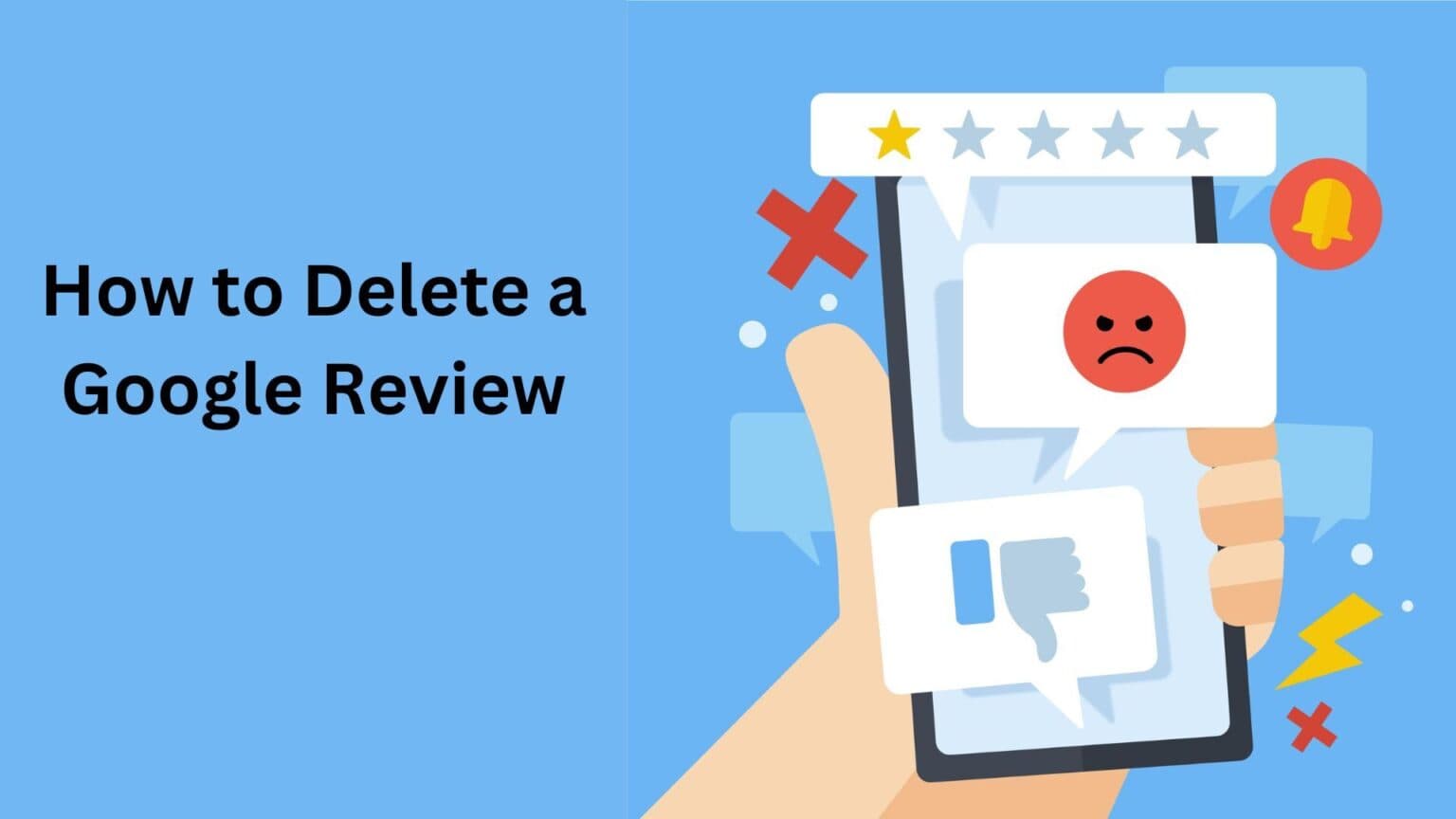
A Google review reflects a customer’s experience with a business, its products, or its services. These reviews appear publicly on a company’s Google profile and may include a star rating, written feedback, photos, and even videos.
Today, most people rely on Google before making decisions about restaurants, travel destinations, healthcare providers, or service professionals. Ratings and reviews influence purchasing behavior significantly. However, not every review is genuine or fair. For this reason, business owners often want to understand whether they can remove or control harmful reviews.
Can You Delete a Google Review?
Google does not provide a direct “delete” button for business owners to remove reviews left by customers. However, if a review violates Google’s policies, you can report it for removal.
Businesses can flag a review as inappropriate. When you do this, Google asks you to submit a brief report explaining how the review breaches its guidelines. You may also need to provide your email address for follow-up communication.
Google uses automated systems to detect spam, misleading content, and policy violations. Even so, some inappropriate reviews may remain visible until they are manually reviewed.
It is important to understand that Google prioritizes unbiased and transparent feedback. A review will not be removed simply because it is negative. It must violate specific policies.
What Does Google’s Review Policy Say?
Google allows users to post opinions, photos, and videos, provided the content follows its guidelines. Reviews may be removed if they contain:
- Hate speech, harassment, or personal attacks
- False or deceptive information
- Content created by fake or duplicate accounts
- Explicit or graphic material
- Promotion of illegal activities
- Off-topic, irrelevant, or nonsensical content
- Violations related to regulated industries
If a review falls into one of these categories, it may qualify for removal.
How to Request Removal of a Review as a Business Owner
If you believe a review is fake, misleading, or violates guidelines, follow these steps:
Step 1: Sign in to Your Google Business Profile
Log into your Google Business account using your official business credentials. If you do not have a profile yet, you must create and verify one first.
Step 2: Find the Review
Navigate to the “Reviews” section of your business profile. You can also locate reviews through Google Maps.
Step 3: Flag the Review
Click the three vertical dots next to the review. Select the option that allows you to report or flag it as inappropriate.
Step 4: Submit the Report
Explain clearly why the review violates Google’s policies. Be specific and factual. If possible, provide supporting information. After completing the form, submit your report.
Step 5: Wait for Google’s Decision
Google will evaluate your request. The review process may take time, and there is no guarantee that the review will be removed.
Step 6: Contact Google Support (If Necessary)
If you believe the review clearly breaches policy and no action has been taken, you may contact Google Business support.
Visit the Google Business support page, sign in to your account, and choose the relevant business. Select the option related to removing a review and follow the instructions to connect with support.
Step 7: Take Additional Action
If the review remains visible, consider responding publicly. A professional response can reduce the impact of negative feedback and demonstrate accountability.
Can You Hide Google Reviews?
It is not possible to completely hide Google reviews from public view. Businesses may adjust certain display settings in their Google Business account, but reviews remain visible on Google’s platform.
Attempting to hide reviews may affect credibility. Transparency builds trust, and customers often value how businesses handle criticism.
What to Do If a Review Cannot Be Removed
Not all negative reviews violate policy. If Google decides to keep a review live, consider the following strategies:
Respond Professionally
Reply calmly and respectfully. Acknowledge the customer’s concern and, if appropriate, apologize for their experience. Explain any corrective actions taken and offer to resolve the issue offline.
A thoughtful response shows potential customers that you care about service quality.
Reach Out Privately
If possible, contact the reviewer directly to resolve the issue. If the matter is settled, the customer may choose to update or delete the review voluntarily.
Improve Business Operations
Even critical reviews can highlight areas that need improvement. Use constructive feedback to enhance customer experience and prevent similar complaints in the future.
Consider Legal Action as a Last Resort
If a review is defamatory or causes significant harm and clearly violates guidelines, legal consultation may be appropriate. This should only be considered in serious situations.
Final Thoughts
Business owners cannot directly delete Google reviews posted by customers. However, if a review violates Google’s policies, it can be reported for evaluation. The removal process takes time and does not guarantee results.
If a review remains visible, responding professionally, resolving customer concerns, and improving service quality are the most effective ways to protect your reputation.
Maintaining transparency and handling feedback responsibly can strengthen long-term trust and credibility in the digital space.