An Android app logo is often the first visual element a potential user notices when browsing the Google Play Store. Because of this, it plays a critical role in shaping the initial perception of your app. A well-designed icon should be distinctive and easily noticeable among other apps in search results. If the design becomes overly complex with too many colors or graphic elements, users may overlook it. With countless apps available in every category, your app icon must create a strong first impression.
Most users have dozens of applications installed on their devices. For this reason, your Play Store icon should be memorable and visually appealing so users can quickly recognize and return to your app. The design should also remain clear and readable across different screen sizes and devices. If users find the app difficult to identify or unappealing, it may lead to uninstallations, which can negatively impact your app’s ranking in the store.
Google Play Icon Size Requirements
When designing an icon for the Google Play Store, follow these specifications:
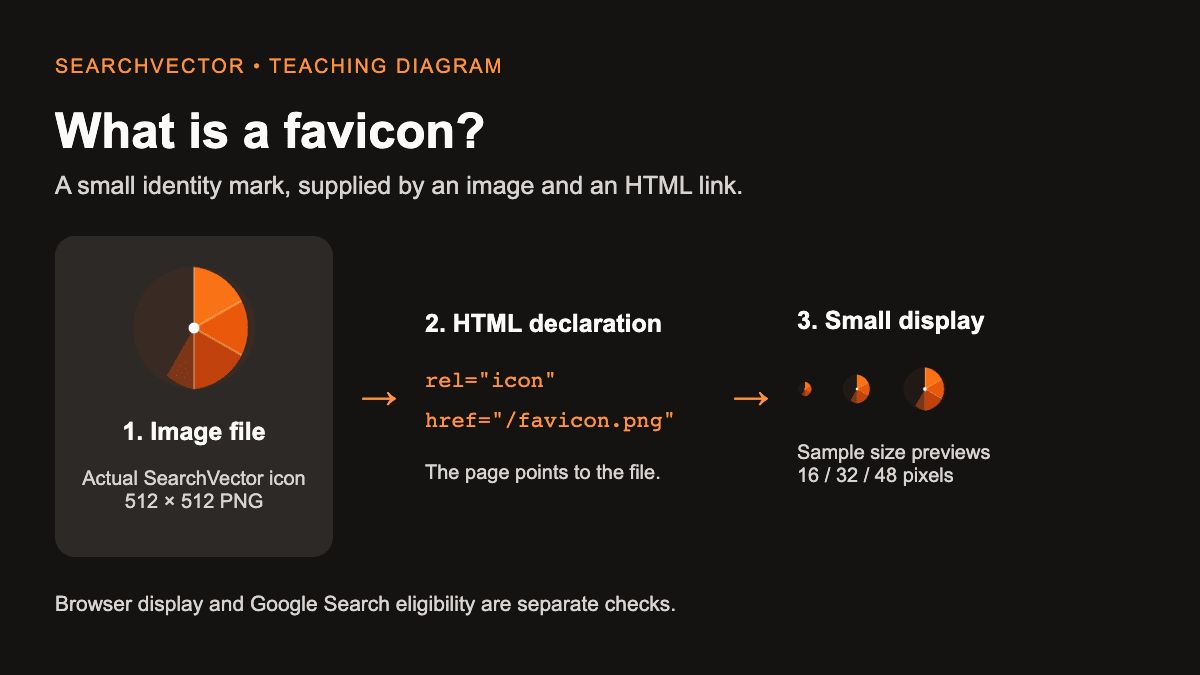
- Dimensions: 512 × 512 pixels
- File format: 32-bit PNG
- Color space: sRGB
- Maximum file size: 1024 KB
- Shape: Full square format
- Shadow: Not required
App Icon Design Guidelines for the Play Store
- Avoid adding shadows manually, as Google Play automatically applies them after upload.
- Corners of uploaded icons are rounded automatically with a radius of about 20% of the icon size.
- Do not place badges or promotional labels inside the icon, as this is discouraged by Google Play guidelines.
Tips for Creating an Effective Google Play App Icon
- Understand Key Design Elements
Before starting the design process, consider the core features of your app. The icon should visually represent the app’s primary function so users can quickly understand its purpose.
- Focus on Adaptability
Your app icon will appear across different devices, screen sizes, and backgrounds. A flexible design ensures the icon remains attractive and recognizable in every environment.
- Improve Recognizability
A unique icon improves visibility and encourages downloads. Experiment with different design variations and refine the icon to help it stand out among competing apps.
- Maintain Consistent Colors
The color palette of the app icon should align with the overall user interface of the application. Consistency strengthens brand identity and improves visual coherence.
- Use a Distinctive Design Style
A clear and consistent style can help your icon stand apart in crowded search results.
Choosing the Right Style for Your App Icon
- Flat Design: Ideal for utility or productivity apps where clarity and simplicity are important.
- Skeuomorphic Style: Mimics real-world objects and can help users instantly understand the function of the app.
- Illustrated Style: Works well for entertainment, storytelling, or gaming apps that benefit from creative visuals.
- 3D Style: Suitable for gaming applications that use depth and visual effects to capture attention.
Keeping Up With Google Play Trends
Google Play users often make download decisions quickly when reviewing app listings. Therefore, creating a strong visual impression with your icon is essential.
Many users also rely on videos to understand how an app works. Optimizing your promotional video can improve conversion rates. Additionally, since the app description appears above screenshots in Google Play, writing a clear and engaging description is important for attracting users.
Testing App Icon Performance
Regular testing is important to understand how your icon performs. Create multiple versions and analyze which design attracts more impressions and downloads. Continuous testing helps refine the icon and improve overall app performance in the store.
Conclusion
The app icon plays a major role in determining how users perceive your application on the Google Play Store. A thoughtful App Store Optimization (ASO) approach can help improve visibility and conversion rates. A well-designed Google Play icon contributes to higher downloads and a stronger user base.
At the same time, monitoring market trends and testing different icon variations remains important. By following the official design guidelines and maintaining a clear, recognizable visual identity, developers can create icons that effectively represent their apps and attract more users.