To check SERP competitor ranking, choose one query and a defined search context, record the organic result URLs in order, then compare the pages that repeatedly appear. SERP means search engine results page. Your competitors here are the pages competing for that query, which may include publishers, forums and marketplaces alongside businesses selling similar products.
The useful output is a dated observation sheet and one justified page improvement. A single search cannot tell you a competitor's traffic, conversions or permanent position. This guide shows how to keep the comparison honest, including when a result disappears or the ranking URL changes.
Start with a question you can actually compare
Choose a query connected to a page you can improve. “Invoice software” and “how to write an invoice” may involve the same business, but they serve different tasks. Comparing their result lists as one competition set would hide that distinction. Write down what the searcher appears to need before collecting positions.
Set the engine, country or city, language, device and observation time, including timezone. Also record the collection method and how many organic results you intend to inspect. If a tool offers a location selector, check that its output confirms the requested location. Treat missing or conflicting scope information as a limitation, not as a successful local check.
Google explains that results can differ with time, location, language, device and personalization. Signing out or using a private window does not remove every contextual influence. Check the location shown by the search engine and keep your setup consistent. You are documenting one observation, not reproducing every searcher's experience.
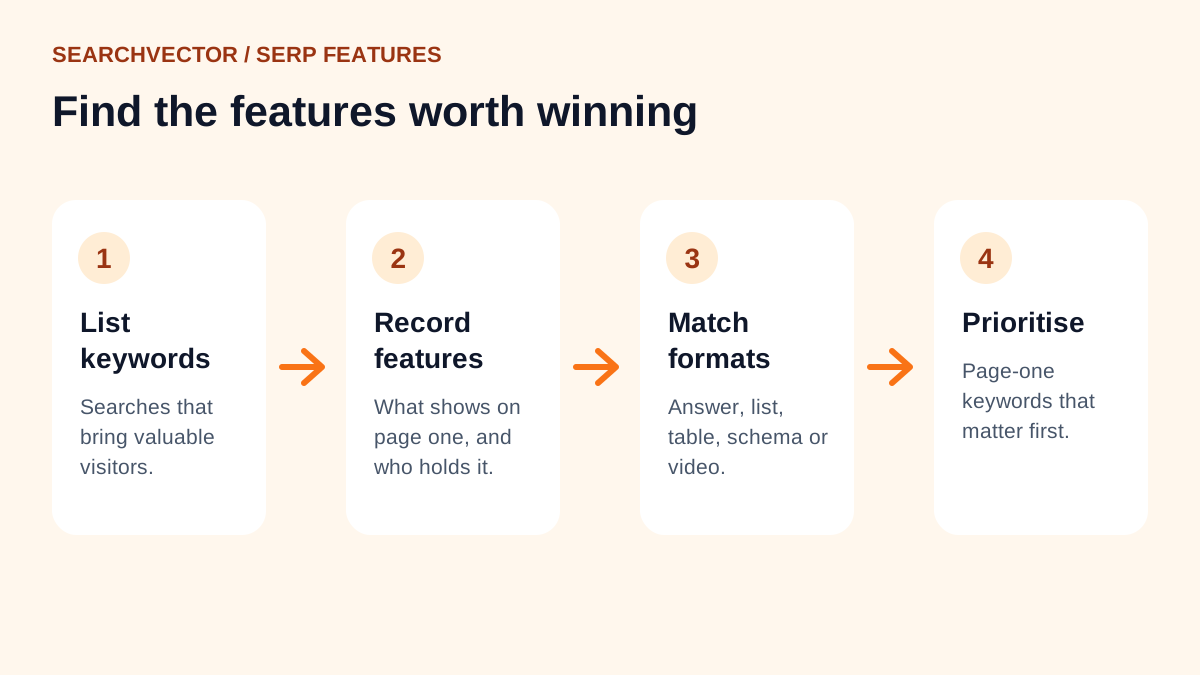
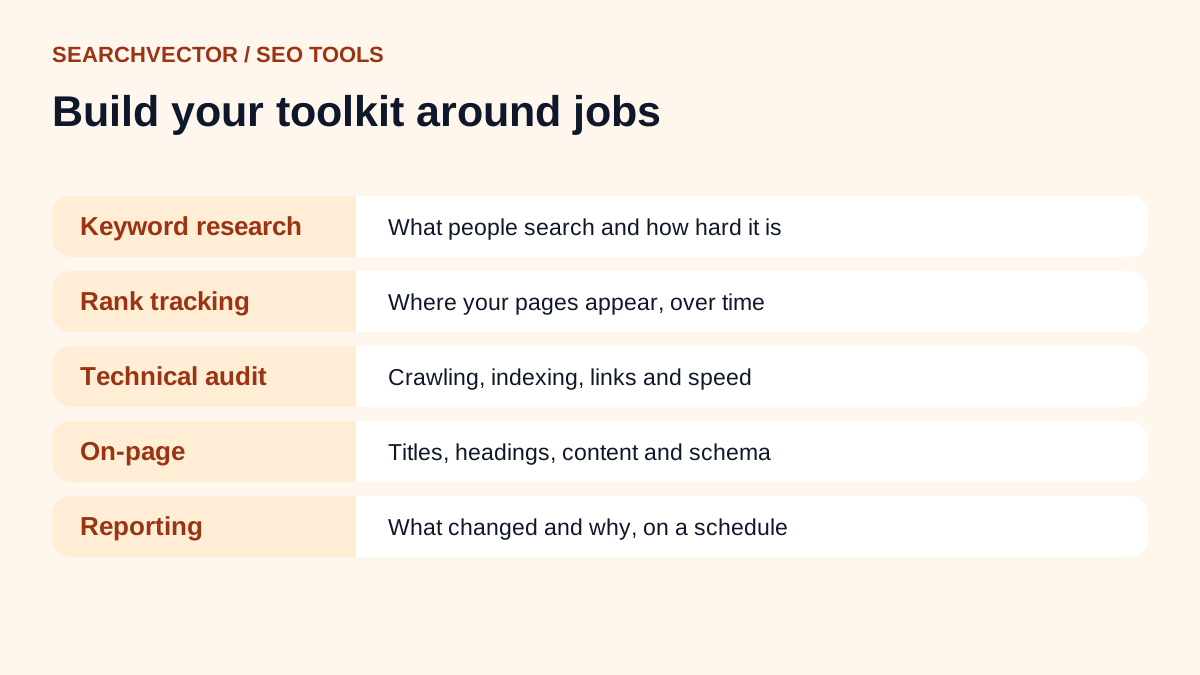
For a manageable first review, select three related queries with distinct intent: a broad category, a specific use case and a comparison question. SearchVector's keyword research page is a relevant starting point when choosing query ideas. Validate the actual results before grouping those queries together.
Record URLs before summarizing domains
For this worksheet, define position as the order of ordinary organic web listings. Keep sponsored placements and other result features in separate notes. This is a manual counting convention, not a claim that every analytics platform calculates position the same way. Record a video block, local pack or answer feature separately when it changes what appears above the web listings.
- Run the exact query under the recorded setup. Avoid adding quotation marks unless quoted search is the intended test.
- Record each inspected organic listing's position, title and destination URL. Preserve the observation time alongside the list.
- Open the relevant pages to confirm their destination and page type. If a result redirects, retain both the observed destination and final URL in your notes.
- Keep multiple ranking pages from one domain as separate rows. You can summarize domains later without losing URL-level evidence.
- If you stop after ten organic listings, write “not observed in first 10” for an absent page. Do not assign position 11 or zero.
A compact sheet needs query, scope, timestamp, organic position, observed URL, final URL and page notes. Keep those fields in your working spreadsheet even if a presentation shows only three columns. If a request fails or results are blocked, mark the observation unavailable. That is different from successfully checking ten listings and not finding the page.
Worked example: a ranking gain with an intent problem
Imagine you manage an invoicing product and review “invoice software for freelancers.” The following values and page labels are fictional teaching data. They are not live search results or SearchVector customer performance. Assume both observations use Google, US, English, desktop and the same method, one week apart at 10:00 UTC, with ten ordinary organic listings inspected.
| Page | Check A | Check B |
|---|---|---|
| Your general product page | 8 | 6 |
| Publisher's freelancer comparison | 2 | 2 |
| Rival's freelancer product page | 4 | 3 |
| Forum discussion | 9 | Not observed in first 10 |
Your page moved up two places: 8 minus 6 equals 2. The rival improved by one place, while the publisher stayed second. The forum has no calculable exact change because its second position is unknown. It could be below the inspected range; this table does not establish deindexing.
Now inspect the pages. Suppose the publisher organizes its comparison around recurring invoices and client reminders, and the rival explains how a freelancer completes those tasks. Your page opens with enterprise accounting features and provides no freelancer example. Those are assumed observations for this exercise, not claims about real products.
The resulting hypothesis is specific: the general page may answer the freelancer task less directly. Add an accurate freelancer workflow to the appropriate page, including any real limitations. Do not conclude that copying the publisher's headings will produce position two. Its rank does not reveal which individual factor caused the result.
Before making a new landing page, check whether your site already has a suitable freelancer page. Improving the existing destination may be clearer for users than creating another near-duplicate. Record which URL you expect to serve the query so the next review can detect a different page appearing.
Compare page fit with observable evidence
Review a small set of relevant pages closely. A long checklist with unverified scores is less useful than three concrete differences you can demonstrate. Use the same questions for your page and each recurring competitor.
| Check | Record | Possible response |
|---|---|---|
| Page type | Guide, comparison, product or discussion | Choose the format that serves the task |
| Answer coverage | Missing steps or unresolved questions | Add a useful, accurate explanation |
| Evidence | Sources, examples and stated limitations | Supply your own verifiable evidence |
| Usability | Blocked text, confusing navigation or cramped tables | Fix the observed obstacle |
Keep observation and interpretation separate. “The page includes a worked invoice example” is observable. “Google ranked it because of that example” is speculation. Similarly, a screenshot can show an obstructive overlay, but it cannot establish a Core Web Vitals score. Do not invent performance measurements from appearance.
Google's helpful-content guidance asks whether content contributes original information and leaves readers able to achieve their goal. Use that as a quality check. Competitor analysis should reveal unanswered user needs, not become an instruction to reproduce another site's copy or hit an arbitrary word count.
Repeat the check without manufacturing a trend
Keep the query set and scope stable for follow-up reviews. A weekly review can be a practical editorial rhythm; it is a working choice, not a guarantee that rankings settle within seven days. Save the page-change date and collect more than two observations before describing a sustained direction.
If a competitor appears repeatedly, note its presence across your selected queries. For example, appearing in four of five inspected top-ten lists means four of those five observations contained the domain. It does not mean 80% market share, traffic share or visibility across all relevant searches. Always retain the denominator and sampling rule.
Watch the ranking URL as well as the number. If your tutorial replaces your product page, a domain-level chart may conceal a meaningful change. Inspect both pages and the query's intent. Two URLs appearing or alternating can prompt a cannibalization review, but it is not proof that one must be deleted, redirected or merged.
When collection settings change, start a separate series or annotate the break. Do not splice mobile and desktop checks into an apparently continuous history. Preserve unavailable observations and out-of-range results explicitly; filling gaps with guessed ranks makes the trend look more certain than the evidence allows.
Use Search Console to investigate your own outcome
Search Console complements a competitor worksheet with data about your own site's search performance. Its Performance report provides clicks, impressions, CTR and average position, with dimensions such as query, page, country and device. Average position summarizes the topmost result for the relevant aggregation; it is not the same measurement as your manually counted snapshot.
Filter to the relevant query and page, keeping country, device and comparison periods consistent. Examine whether your own impressions and clicks changed alongside the observations. A competitor moving above you does not by itself establish that it took a known number of visits from your business.
If clicks weaken while the observed position is similar, review the current search appearance and your page's promise before rewriting everything. SearchVector's title and meta checker page is a relevant next step for reviewing on-page metadata. Keep the title displayed in the search result as separate evidence from the title stored on your page.
Finish with one action and a review record
A useful review ends with a decision someone can execute. Write the target query, intended URL, observed gap, proposed edit, owner and next review date. For the fictional invoice example, the action is to add a truthful freelancer workflow to the appropriate existing page and inspect the same query set again after publication.
Keep the original worksheet. At the next review, ask whether the intended URL appears, whether the documented content gap is resolved and whether your own search performance supports further investigation. Continue what helps the reader, revise unsupported hypotheses, and collect more evidence when the result is unclear. A defensible comparison is more valuable than a precise-looking rank with no context.