SaaS SEO connects the problems your software solves with pages that help the right people evaluate it. The work includes researching demand, building useful product and educational pages, making those pages accessible to search engines, and measuring what visitors do next. More visits alone do not establish more qualified customers.
Start with one customer segment and one workflow you can demonstrate. Use the worksheet below to choose a page before commissioning a large content calendar. The worked example is a fictional expense-approval product; its scores are editorial judgments, not measured search demand or customer results.
Download the blank SaaS SEO prioritization worksheet, then follow the article contents to map demand, score candidates, build evidence and review acquisition.
Map queries to page jobs
A founder looking for software, an employee fixing a reimbursement problem and an administrator troubleshooting an integration need different answers. Interview sales and support teams about the language each group uses. Record the buyer, triggering problem, existing workaround and requirements that disqualify your product.
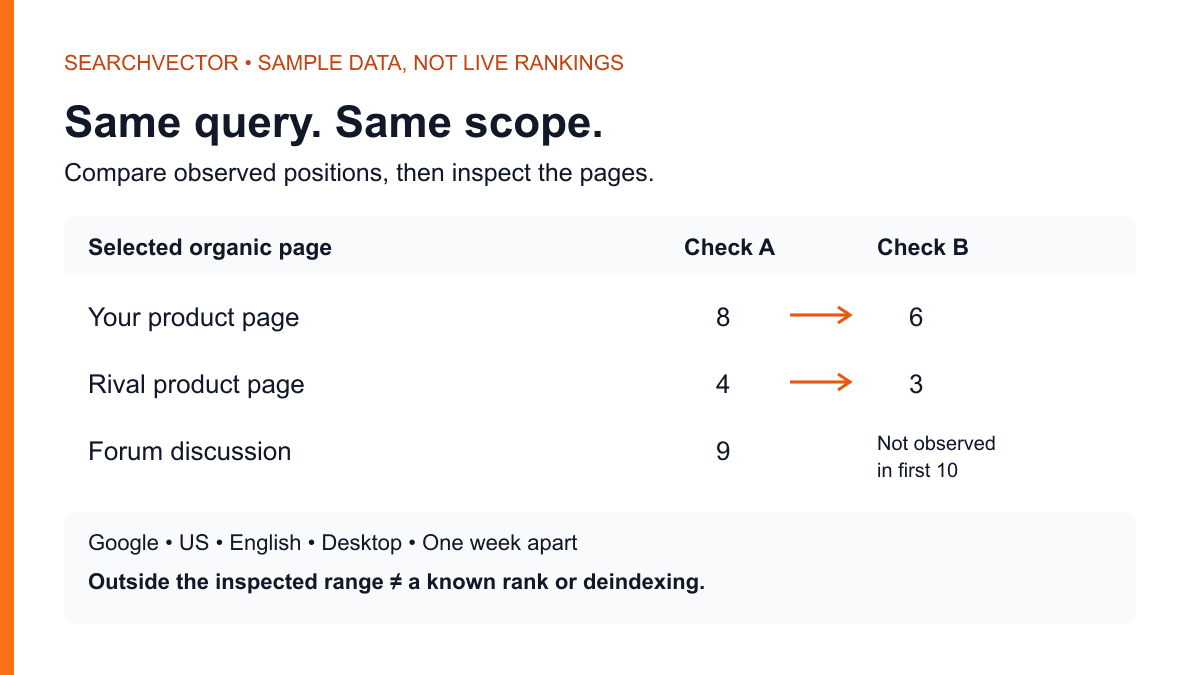
Use SearchVector keyword research to explore seed phrases from those conversations. Review actual search results for your target market before assigning a format. A query containing “software” may still return directories or guides; the word alone does not settle intent. Record the observation date and distinguish keyword estimates from verified customer needs.
| Demand type | Example query | Page job |
|---|---|---|
| Problem | How to stop duplicate expense claims | Explain a review process and its limits |
| Category | Expense approval software | Explain capabilities, suitability and evaluation steps |
| Use case | Expense approvals for distributed teams | Demonstrate approval routing across managers |
| Integration | Expense approval accounting integration | Document a supported connection and prerequisites |
| Comparison | Expense software alternatives | Compare decision criteria with sourced evidence |
Give each cluster a primary destination. Closely related wording can belong on the same page when the reader's task is unchanged. Create another page when it solves a meaningfully different problem, rather than publishing a second near-identical page for a singular or plural keyword.
Score a backlog you can defend
Use a simple planning score: (audience fit + buying intent + product evidence) ÷ effort. Rate each input from 1 to 3. This is a discussion aid, not a ranking formula or revenue forecast. Write a reason beside every score so another person can challenge it.
- Audience fit: 1 means mostly outside your customer segment; 2 means a mixed audience; 3 means the intended buyer or user.
- Buying intent: 1 means general learning; 2 means investigating a solution; 3 means choosing or implementing software.
- Product evidence: 1 means claims without a checked demonstration; 2 means partial evidence; 3 means a verified workflow and known limitations.
- Effort: 1 means a small update using existing evidence; 2 means new writing and review; 3 means substantial research, engineering or assets.
Treat unsupported capabilities as a publication gate regardless of the score. A promising integration keyword cannot justify announcing a connection that does not exist. Keep demand estimates, SERP difficulty, owner and review date in separate worksheet fields; squeezing everything into one number hides the assumptions.
The downloadable CSV is intentionally blank. Add one candidate per row and enter your own evidence. No formulas or benchmarks are prefilled. Use the score to shortlist candidates, then check whether the team can actually deliver the strongest answer.
Worked example: choose the first page
Suppose the fictional product supports manager approval chains but has only a manual accounting export. Its small team can improve an existing use-case page or write a broad expense-policy guide. An accounting integration page is also proposed, but nobody has verified a direct connection.
| Candidate | Fit + intent + evidence / effort | Decision |
|---|---|---|
| Manager approval workflow | (3 + 3 + 3) / 2 = 4.5 | Prepare first |
| Expense policy guide | (2 + 1 + 2) / 2 = 2.5 | Queue for later |
| Accounting integration | (3 + 3 + 1) / 3 = 2.33 | Hold: capability unverified |
The first page should show who submits an expense, how the manager receives it, which rules trigger another approver, and what happens when someone rejects it. Add a real, reviewed demonstration and a clear explanation of the manual export. The next action is to evaluate that approval workflow, not to promise complete accounting automation.
Before writing, inspect the current results for the use-case query. If they overwhelmingly answer a different task, reconsider the target wording or format. If an existing page already serves the same need, improve it and consolidate redundant copy instead of launching a competing URL. The score recommends work; it does not override search intent.
Make the product evidence useful
A strong SaaS page helps a reader make a decision even if they never sign up. Show required inputs, permissions, the sequence of actions, expected output and the failure cases. Explain whether a capability is native, requires a third-party service or depends on manual work. Label sample data next to the example.
For comparison pages, apply the same criteria to every option: workflow coverage, implementation effort, data portability and relevant restrictions. Link to each vendor's current documentation for factual claims. Separate “not documented” from “not supported,” and say when another option fits better. Avoid pricing tables unless someone owns verification and updates.
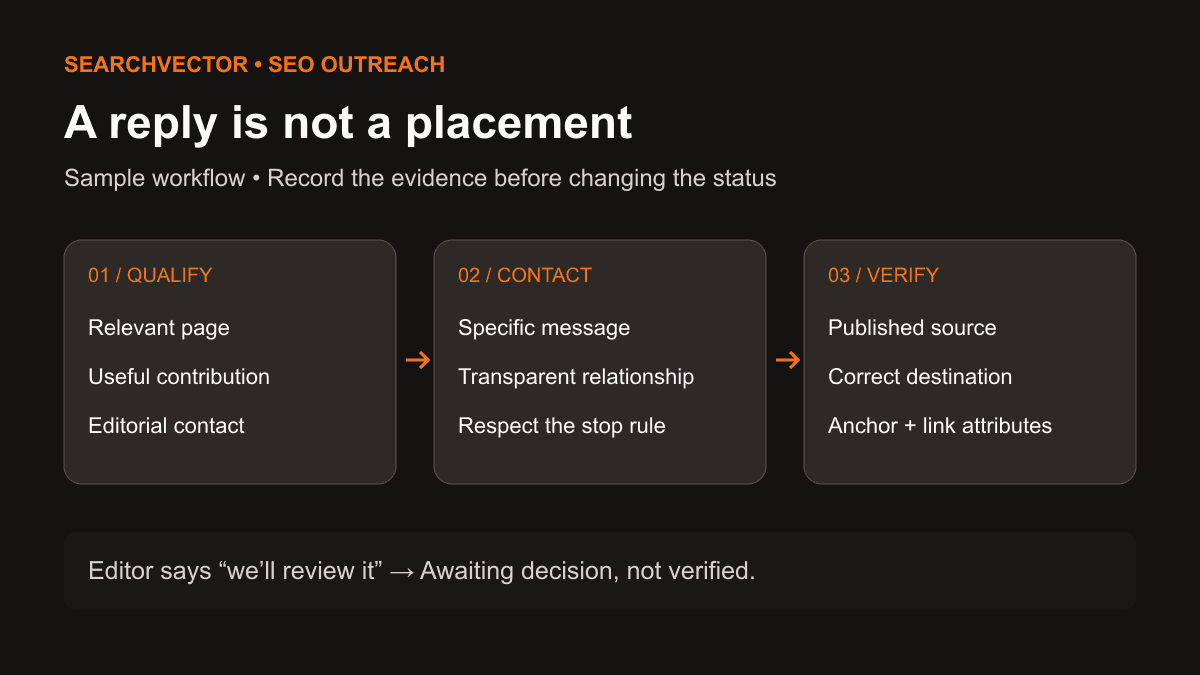
Useful distribution follows naturally from useful evidence. Share a reviewed implementation guide with relevant practitioners or publish original research with its methodology. Do not purchase ranking credit. Google's spam policies cover manipulative link schemes and scaled content made primarily to manipulate rankings. Paid placements should use appropriate link qualification; a product partnership is not a reason to demand an unqualified link.
Check the public site and the app boundary
SaaS sites often split between a public marketing site, documentation and a signed-in application. Decide which content should be discoverable. Keep private account data behind authentication; robots.txt is not access control. A public product page should explain the workflow without requiring a crawler or prospect to log in.
- Rendering: inspect important public pages as rendered HTML. Ensure meaningful text and ordinary links are present. Google's JavaScript SEO guidance explains crawling and rendering; server rendering or prerendering can help users and crawlers access content.
- Canonical URLs: make internal links, redirects, sitemap entries and canonical signals consistent for duplicate versions. Do not point every distinct use-case page at the homepage.
- Discovery: link from the relevant product page to its workflow guide and back with descriptive text. Avoid leaving valuable documentation reachable only through a search box.
- International pages: localize the actual content and evaluation details. For real language variants, follow Google's hreflang guidance, including reciprocal references. Do not advertise translations that do not exist.
Use SearchVector SEO site audit as an entry point for a technical review, then verify findings on the affected URLs. Prioritize a missing product explanation or indexing blocker over cosmetic score chasing. Google's SEO Starter Guide provides the underlying discovery and content principles; no audit score guarantees rankings.
Measure acquisition without inventing attribution
Maintain two connected reviews. Search performance asks whether relevant pages appear and earn clicks. Acquisition asks whether visitors become suitable signups, activated accounts or qualified opportunities. Keep the definitions and data sources separate before connecting them.
In Search Console, compare consistent date windows, countries, devices and page groups. Separate branded queries from non-branded discovery where possible. Google's Performance report documentation describes clicks, impressions, CTR and position. Those are search measures, not CRM pipeline or evidence that an individual buyer converted.
For the fictional approval product, define activation as completing a first approval workflow, not merely creating an account. Measure that event in your authorized product analytics and assess opportunity quality in your CRM. Document the attribution window and model. Consent choices, cross-device journeys, return visits and long sales cycles can leave gaps; do not fill unknown conversions with assumed revenue.
If impressions rise but clicks do not, inspect query mix and the search-result promise. If clicks rise but activation does not, inspect audience fit, onboarding and tracking before declaring the SEO page a failure. A branded search increase may reflect other marketing activity. Record competing explanations and choose one test rather than treating correlation as proof.
Turn the plan into one reviewed release
Choose one query cluster with a clear buyer, a demonstrable workflow and a sensible next step. Complete the worksheet, review the evidence with a product owner, and assign the page to one editor. Before release, check its links, mobile readability, public rendering and measurement setup.
Set an initial review date to check discovery and data quality, then assess performance when enough comparable observations exist. Keep improving the answer and the path to product value. Expand into another cluster when you can explain what the first page taught you, rather than using publication volume as the success metric.